
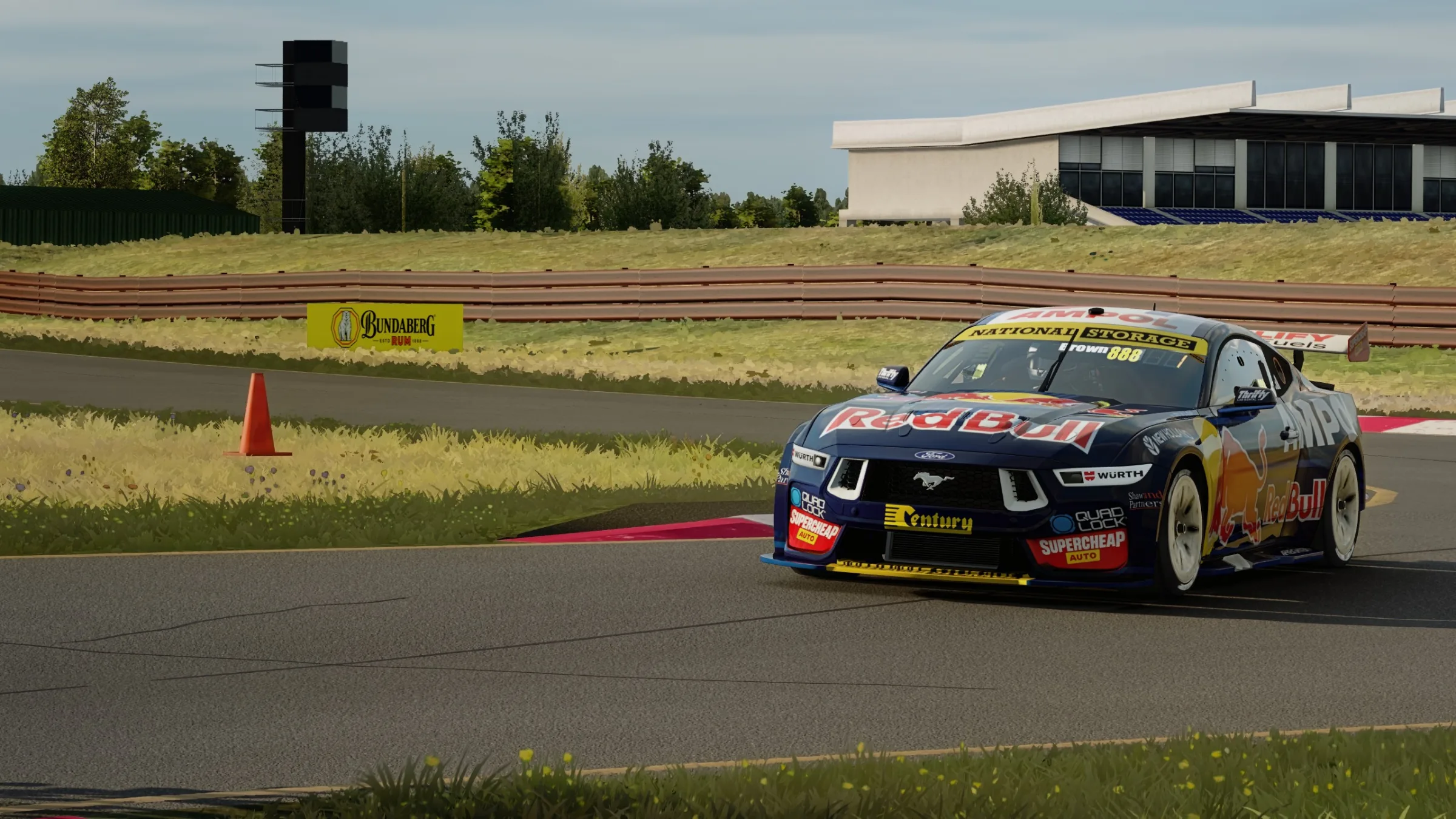
A natural, broadcast-style visual profile pairing Custom Shaders Patch and Pure with DLSS upscaling, tuned to hold high frame rates on heavy mod tracks.
BREEZY is a natural, realistic visual profile for Assetto Corsa. It pairs a Custom Shaders Patch preset and a matching Content Manager video preset with Pure and Pure LCS weather. The aim is believable light and air without heavy colour grading.
Key settings
- Upscaling: NVIDIA DLSS Quality (67%), preset K, no sharpening
- Weather: Pure LCS with volumetric clouds, ground fog and volumetric headlights
- Post-processing: Pure's neutral filter for natural colour
- Shadows: 4096 with automatic splits and anisotropic filtering
- Reflections: SSLR Hi-Z with long wet speculars; screen-space lighting and light bounce
- Lighting FX: 12 cars with lights, lights in reflections, dynamic light shadows
- Grass high with ExtraFX, LOD distance ×1.25, tyre and brake FX, windscreen reflections, high-quality rain maps
- Depth of field and motion blur off
Measured performance
Average FPS from Content Manager benchmarks at 2560 × 1440 on an RTX 4060 Ti 16 GB:
| Test | FPS |
|---|---|
| Nürburgring 24h mod, cockpit replay, all max + DLAA, GPU overclocked (before) | 55.2 |
| Same test with BREEZY | 71.7 |
| Kunos Nordschleife, night, driven | 86.8 |
| Kunos Nordschleife, low sun, driven | 92.7 |
Gallery
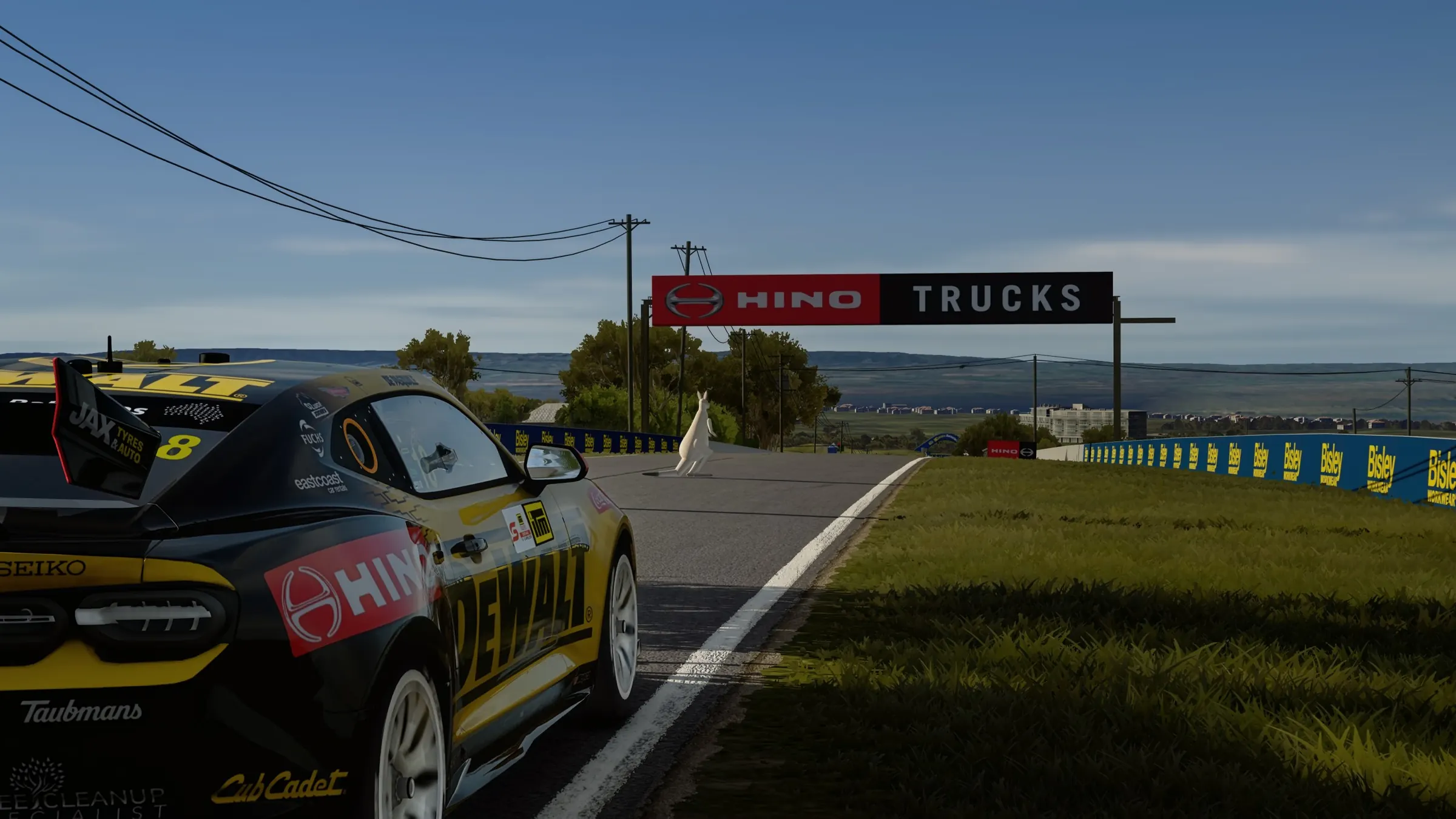
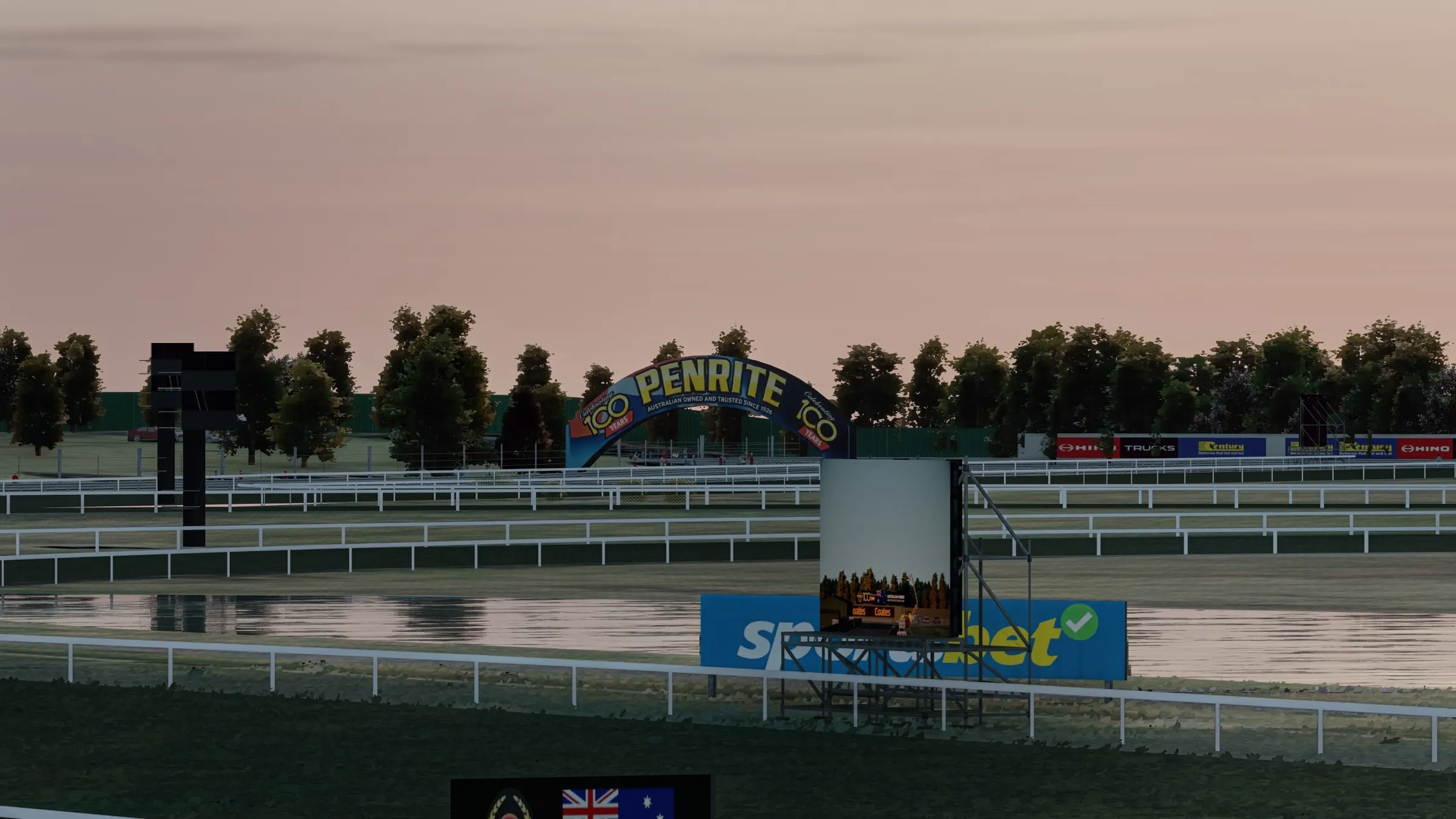
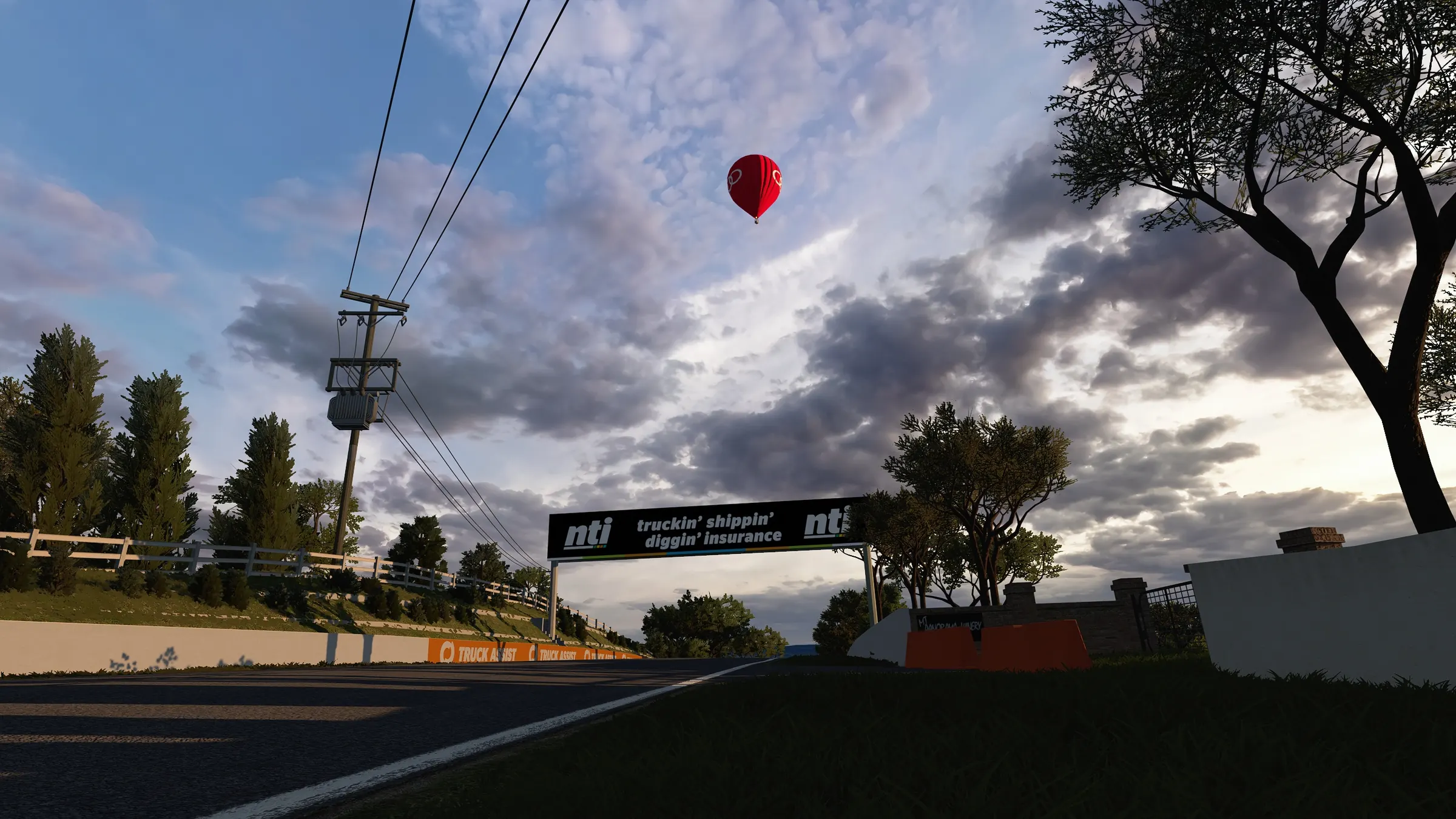
In the sim
Download
Upcoming
Coming soon
SideProject — Ultimate Realism is on the roadmap. Follow progress on the Development page or join the community to hear first when it's released.
Installation
Install in minutes
Requirements
- Assetto Corsa (Steam) with Content Manager
- Custom Shaders Patch 0.3.0-preview445 or newer
- Pure 3.59 and Pure LCS 1.3
- NVIDIA RTX graphics card for DLSS (other cards can switch upscaling off in the CSP preset)
Install
- Extract the ZIP.
- Copy
BREEZY – Ultimate Realism.iniinto%LOCALAPPDATA%\AcTools Content Manager\Presets\Custom Shaders Patch Presets\. - Copy
BREEZY – Ultimate Realism.cmpresetinto%LOCALAPPDATA%\AcTools Content Manager\Presets\Video Settings\.
Apply in Content Manager
- Settings → Custom Shaders Patch → preset box (bottom) → BREEZY – Ultimate Realism.
- Settings → Assetto Corsa → Video → preset box (bottom) → BREEZY – Ultimate Realism.
Only change these with Content Manager open, or close CM first, because CM rewrites video.ini from its own memory.
Changelog
1.0
- First release.
Credits
Preset: SideProject Motorsport. Pure and Pure LCS by their respective authors.