How to install Assetto Corsa mods: tracks, skins and extras
Install Assetto Corsa track mods, track skins and extras in a minute with Content Manager, or by hand. Includes Custom Shaders Patch and fixes for common problems.
Most Assetto Corsa mods install in under a minute with Content Manager. This guide covers the easy way, the manual way, and what to check when a mod doesn't show up. It works for any mod, not just ours.
What you need
- Assetto Corsa on PC (Steam).
- Content Manager: the launcher almost everyone uses for modded Assetto Corsa. It installs mods for you and manages your settings.
- Custom Shaders Patch (CSP): needed by most modern tracks, skins and extras, including every SideProject release.
Install Custom Shaders Patch
- Open Content Manager.
- Go to Settings → Custom Shaders Patch.
- Pick a version and click Install. Content Manager downloads and turns it on for you.
If a mod lists a minimum CSP version, choose that version or newer.
Install a mod with Content Manager (easiest)
- Download the mod. Don't extract the ZIP.
- Drag the ZIP onto the Content Manager window.
- Content Manager shows what's inside. Click Install.
- Go to Drive, pick the track or car, and choose the new layout or skin.
Install a mod by hand
- Extract the ZIP.
- Open your Assetto Corsa folder. On Steam it's usually
steamapps\common\assettocorsa. In Steam you can right-click Assetto Corsa → Manage → Browse local files. - Copy the mod's
contentfolder into it, and choose to merge or replace when Windows asks. - Tracks end up in
content\tracks\<track name>and cars incontent\cars\<car name>.
Track skins and extra layouts
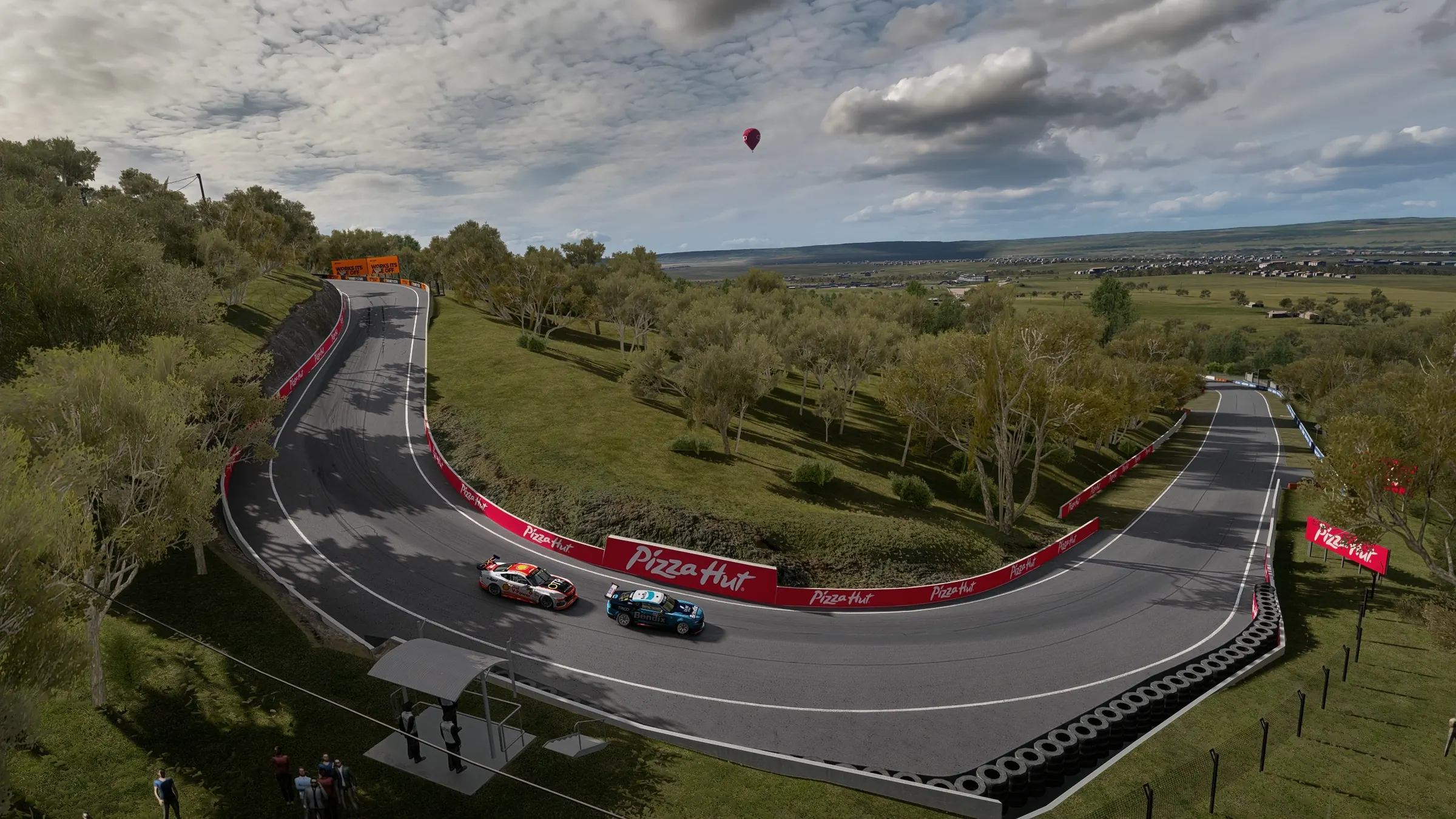
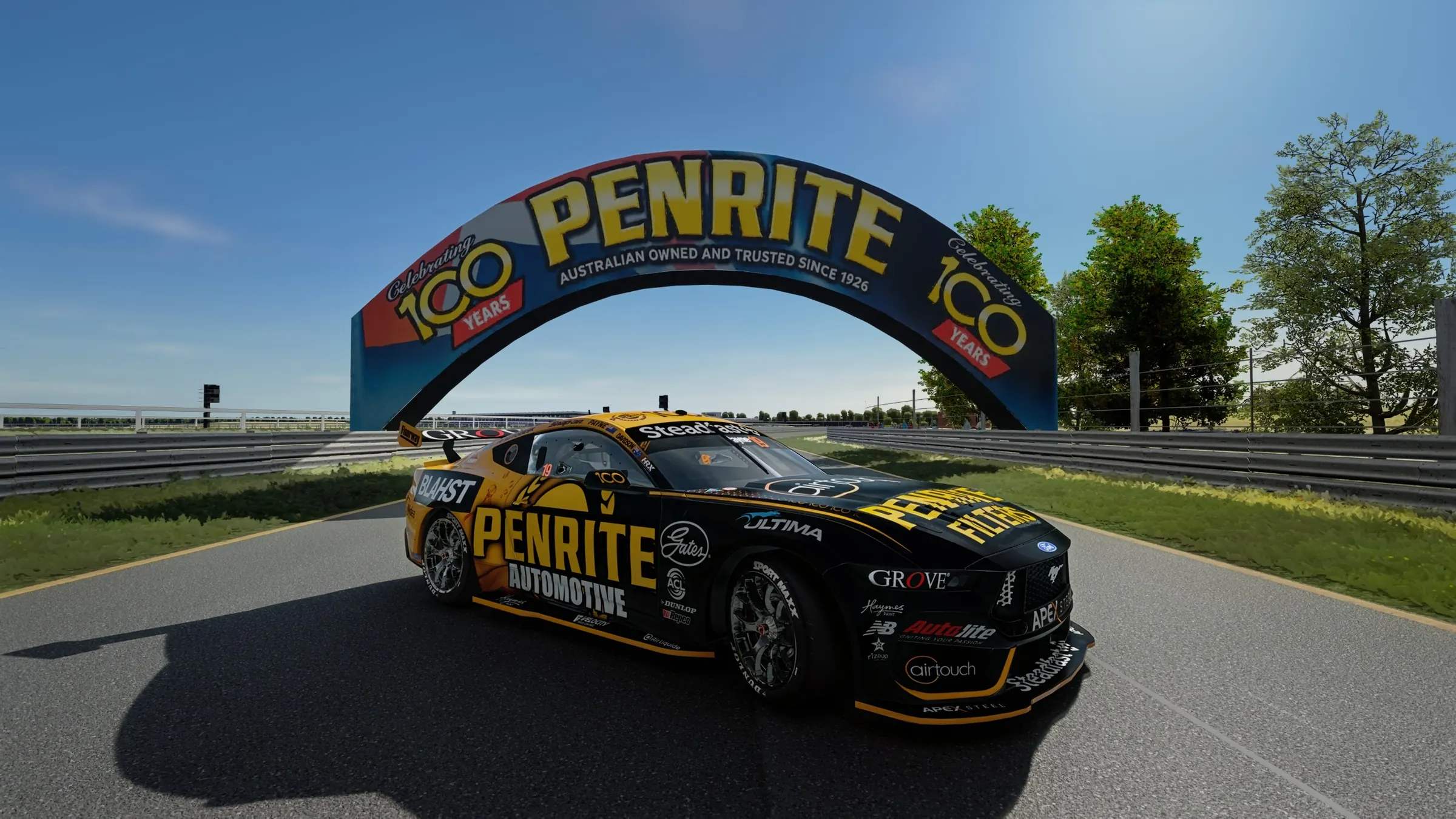
Many track mods, including our Bathurst 1000 2026 and Bathurst 1000 2025 skins, add a layout to a track you already have instead of replacing it. Install the base track first (for Bathurst that's rt_bathurst), then the skin. It appears as a new layout in the track's list, for example Repco Bathurst 1000 2026.
Extras that use CSP scripts
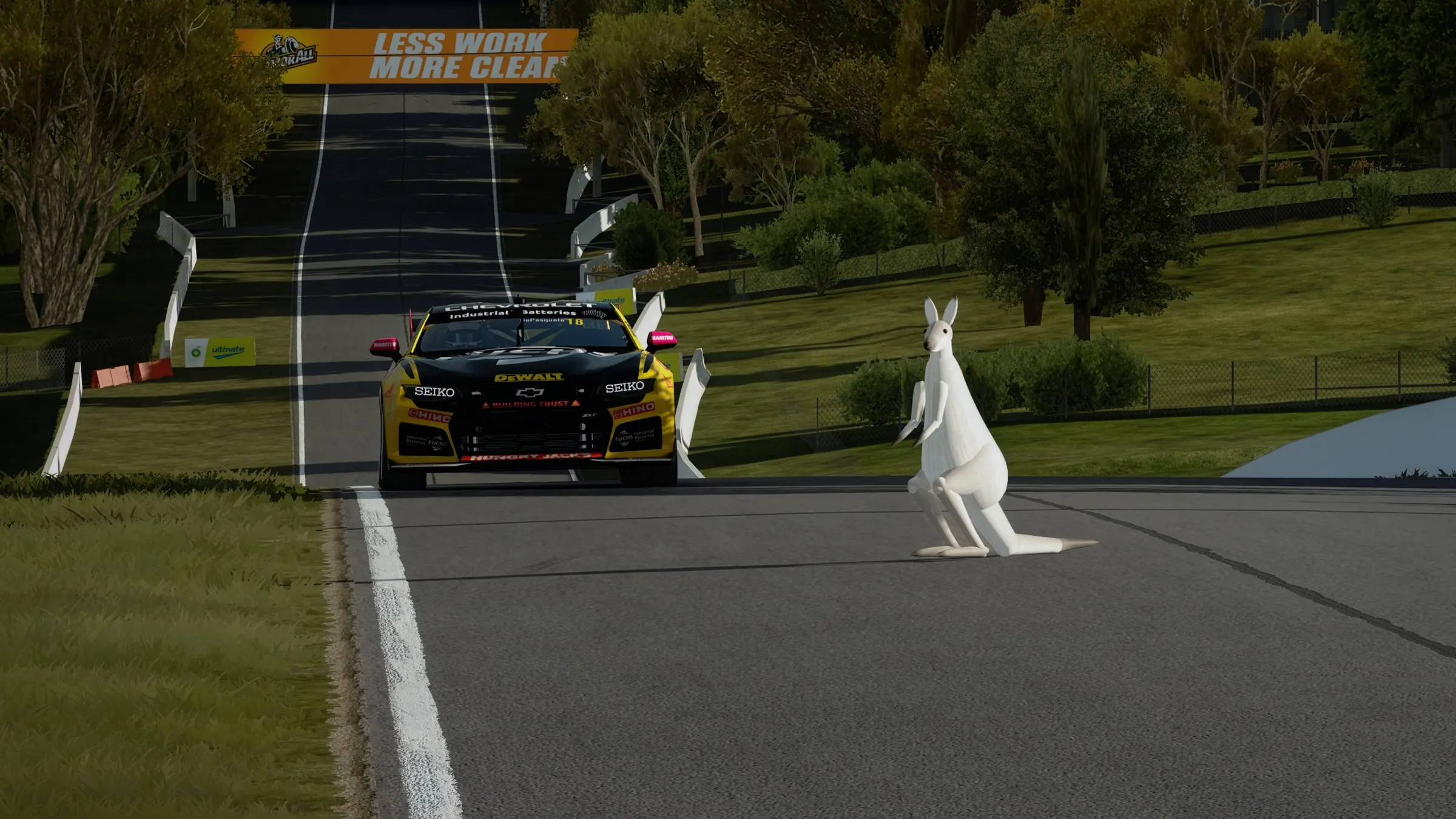
Some extras add things to a track using CSP's Lua track scripts. Roo Rage works this way: it adds kangaroos to Mount Panorama through the track's extension\ext_config.ini. Mods like this need CSP installed and turned on, plus the matching track.
The mod doesn't show up?
- Check the folder. A track should sit at
content\tracks\<track name>\, notcontent\content\tracks\…or inside an extra folder named after the ZIP. - Install the base track if the mod is a skin or layout.
- Update CSP. Mods built for newer CSP versions may not load on older ones.
- Restart Content Manager so it re-reads your content folder.
- Read the included README. Most mods explain their options and how to uninstall.
Our releases
Everything on SideProject Motorsport is a free download with install steps on its page:
- Tracks: Australian circuits
- Track skins: V8 Supercars race-weekend branding
- Extras: add-ons like Roo Rage
- Graphics: CSP and video presets
Stuck? Ask in our Discord.